 StarChart
StarChart
StarChart
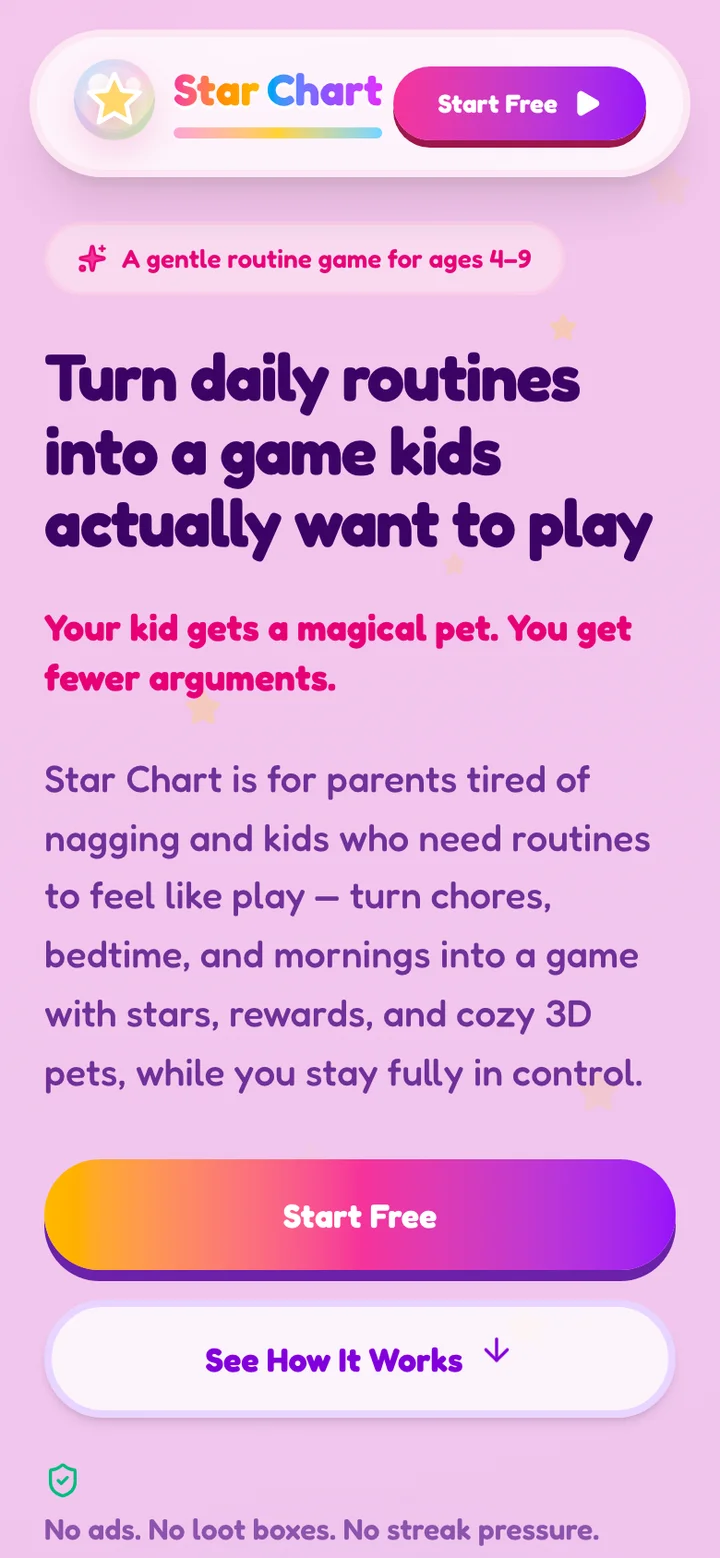
Kids finish chores, earn stars, and unlock adorable 3D pets and rewards. Parents set the tasks, prices and approvals, so the app does the nagging, and you get the hugs.
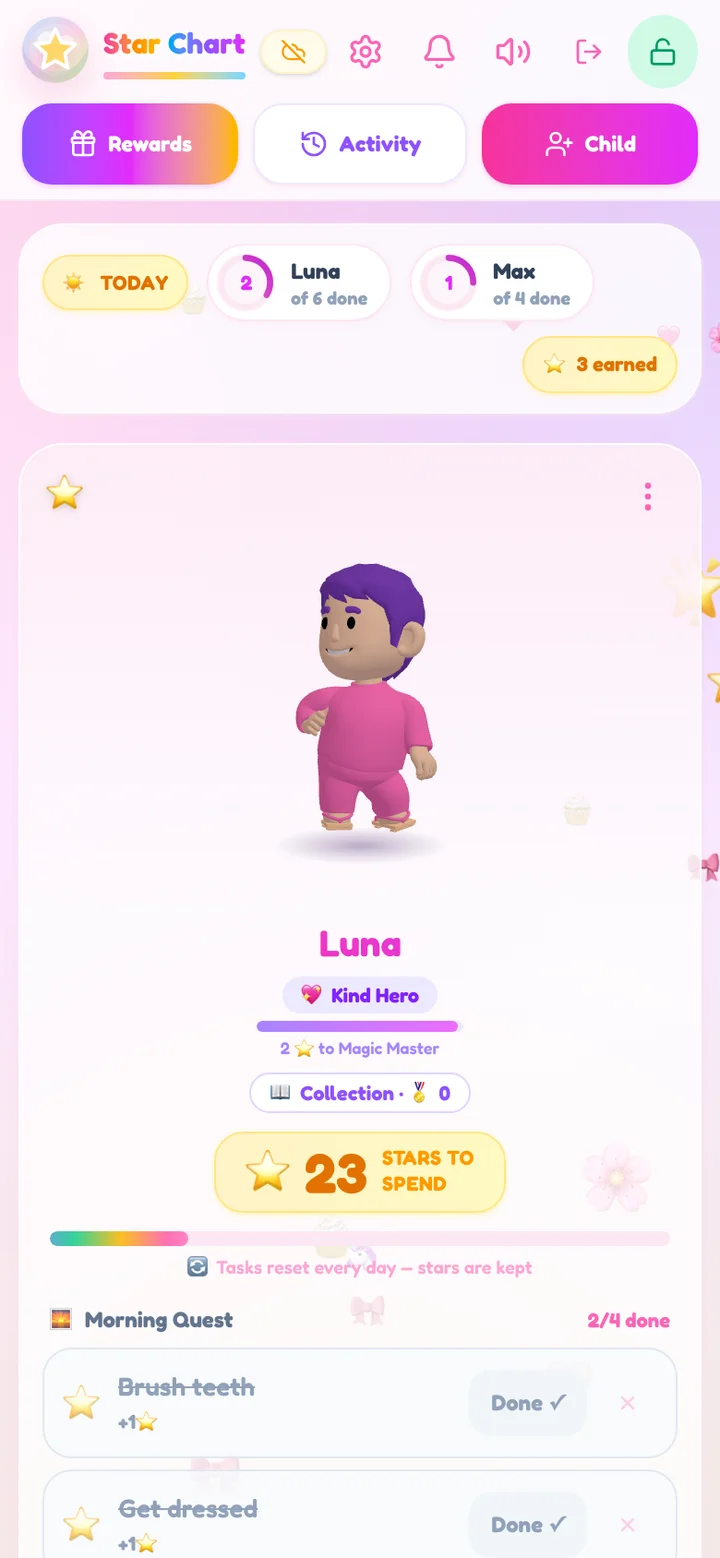
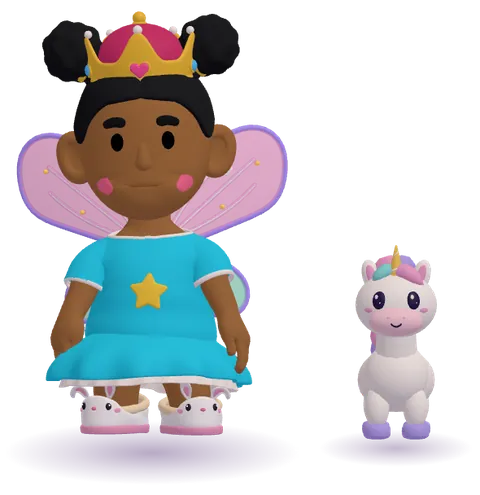
Star Chart turns your family's daily routine into a cooperative game: set up once, smile every morning.
Create a username and parent passcode, then add each child and design their 3D avatar together. No email or payment required.
Pick a routine template or add your own tasks. Set star values, weekly schedules and which tasks need a parent check.
Kids mark tasks complete and earn stars. For approval-gated tasks, stars arrive after your check. Finish a whole routine for a bonus.
Kids spend stars on pets, accessories and worlds, or request real-life rewards you set and approve. Try a family game or choosing a weekend activity.
Prefer paper? Download the free printable chore chart. Need reward ideas? Choose and print a non-toy reward menu.
Seven new 3D costumes just arrived in the character editor. A grown-up opens it from Parent Mode, then kids try on every look. Every outfit there is free to pick: nothing to buy, no stars to spend.
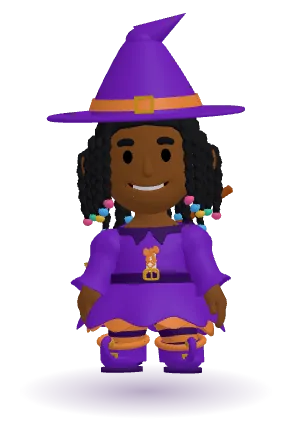 Witch dress
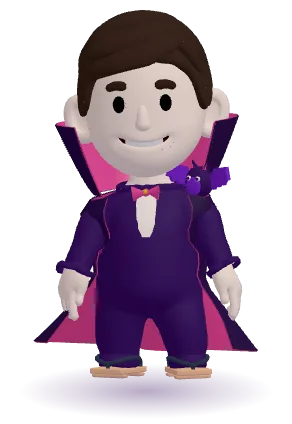 Vampire
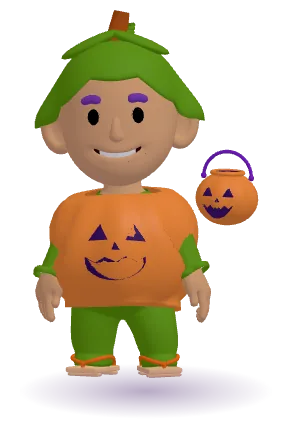 Pumpkin suit
 Ghost sheet
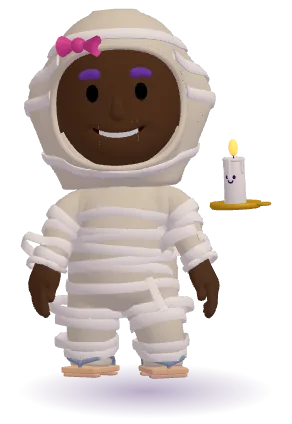 Mummy
Mummy
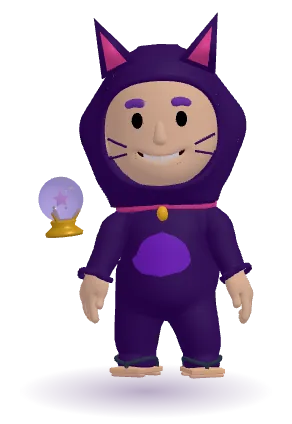 Black cat
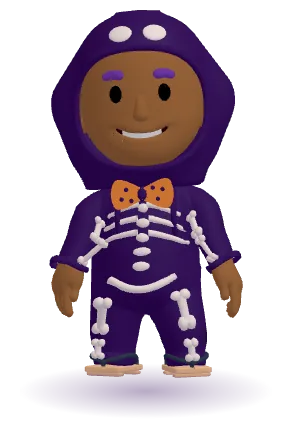 Skeleton
Swipe to see all seven costumes
Mix and match 10 new extras and 6 Halloween buddies, from a witch hat and a masquerade mask to a broom, a treat bag and a tiny ghost friend.
 Ghost buddy
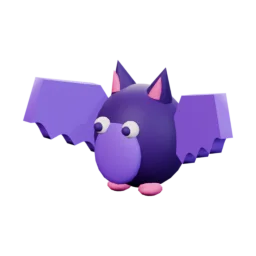 Bat buddy
 Jack‑o'‑lantern
 Crystal ball
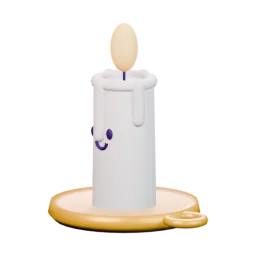 Spooky candle
 Cauldron
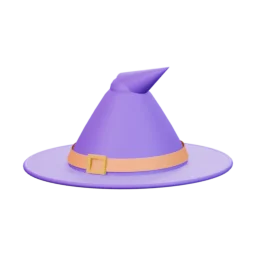 Witch hat
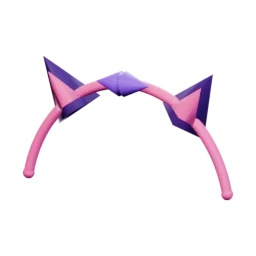 Cat-ear headband
 Masquerade mask
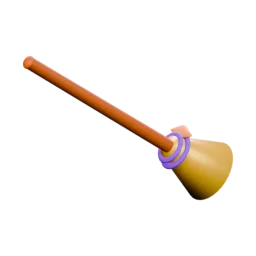 Witch broom
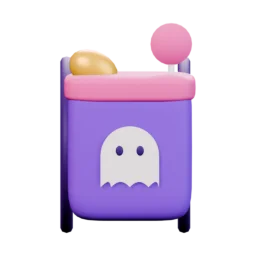 Treat bag
 Spider ring
In the editor, costumes are under Outfit Full look, witch boots under Outfit Shoes, and hats, masks, brooms and buddies under Extras.
Star Chart runs free in any browser and installs straight to your home screen like a native app. Set up your first child, pick a buddy pet, and add starter quests in a few taps.
Install tip: on iPhone, open the app in Safari Share Add to Home Screen. On Android, open it in Chrome ⋮ menu Install app (Samsung Internet can show a false “older version of Android” warning, so use Chrome). It opens like an app from then on.
Every child designs their own 3D buddy before their first chore. Pick a kid, an outfit, an extra and a pet, and watch the buddy change. These are real renders from the app's avatar studio.

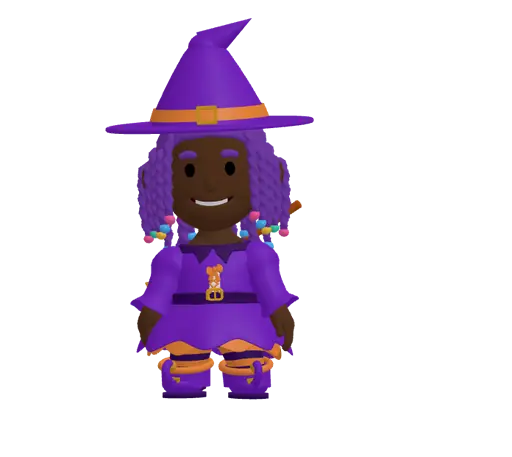
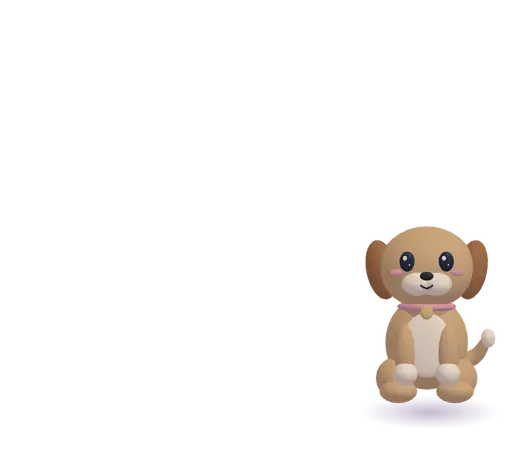
The hijab is this kid's head covering, so hats are off for this look. The mask still works!
In the full app there's way more: 24 part groups, 23 hairstyles, 11 skin tones, 21 full-body outfits (including Halloween costumes, an astronaut suit and an abaya), a hijab, glasses, hats and accessories, plus pets, worlds and effects to unlock with stars.
Create Your Own Buddy, FreeEvery world in Star Chart is now a moving 3D scene, and My World shows it edge to edge with your child's own avatar standing inside. Kids unlock worlds in the rewards shop with stars they earn from chores, and parents set every price. That makes 12 worlds in all.

A cozy pumpkin patch with friendly ghosts and glowing lanterns.
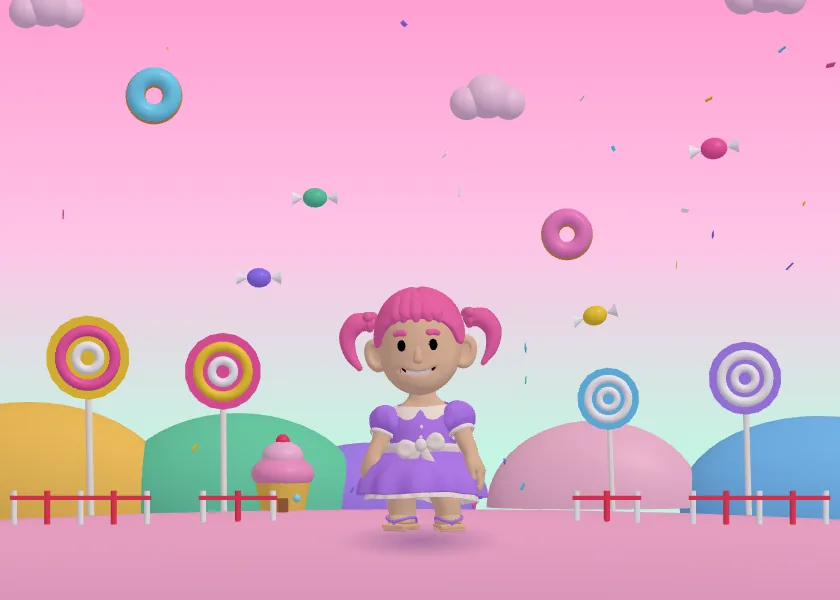
Lollipop trees, gumdrop hills and a sprinkle shower.

A waving snowman, a waddling penguin and shimmering northern lights.
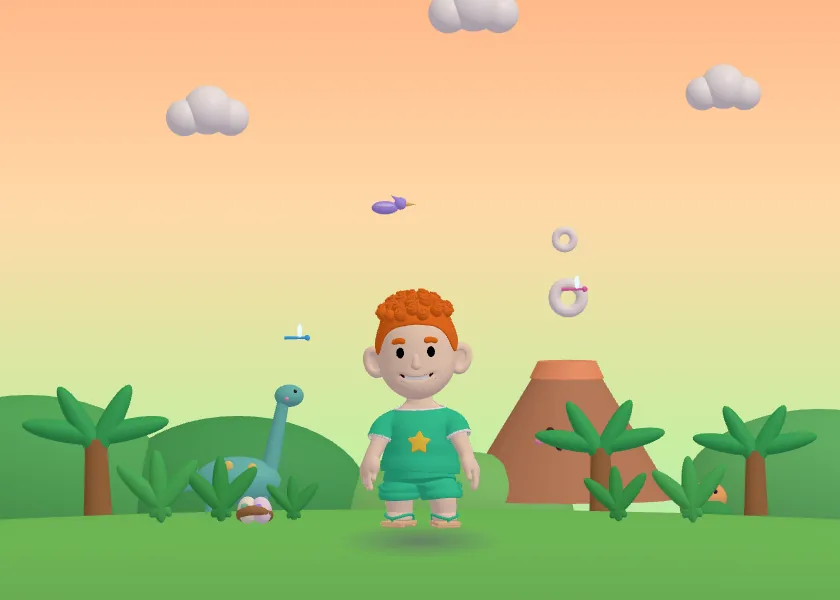
A friendly long-neck dino, a smiling volcano and wiggly dino eggs.

A palace on the clouds, a rainbow bridge and a flying pegasus.
Every child gets their own 3D avatar, star bank and daily quest list. Every parent gets full control behind a passcode gate.
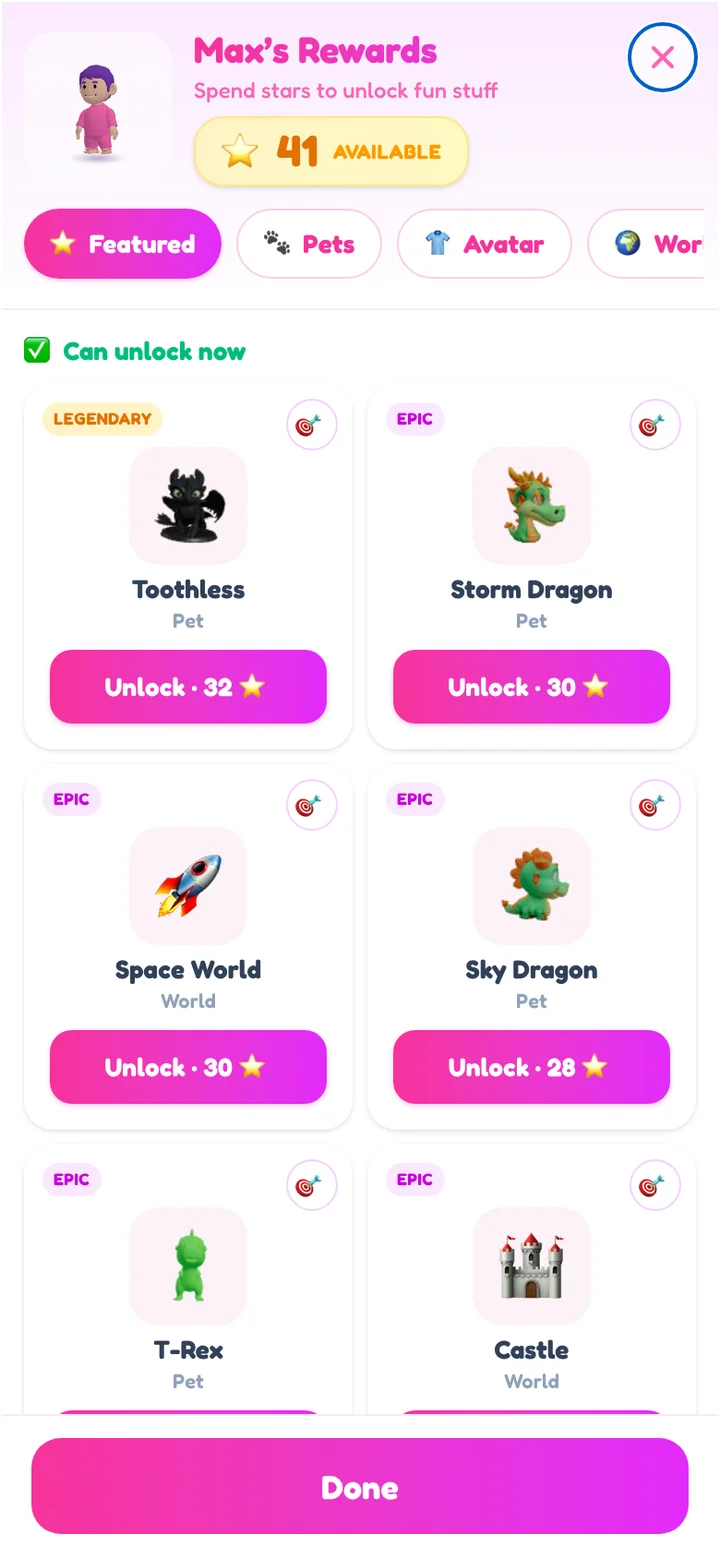
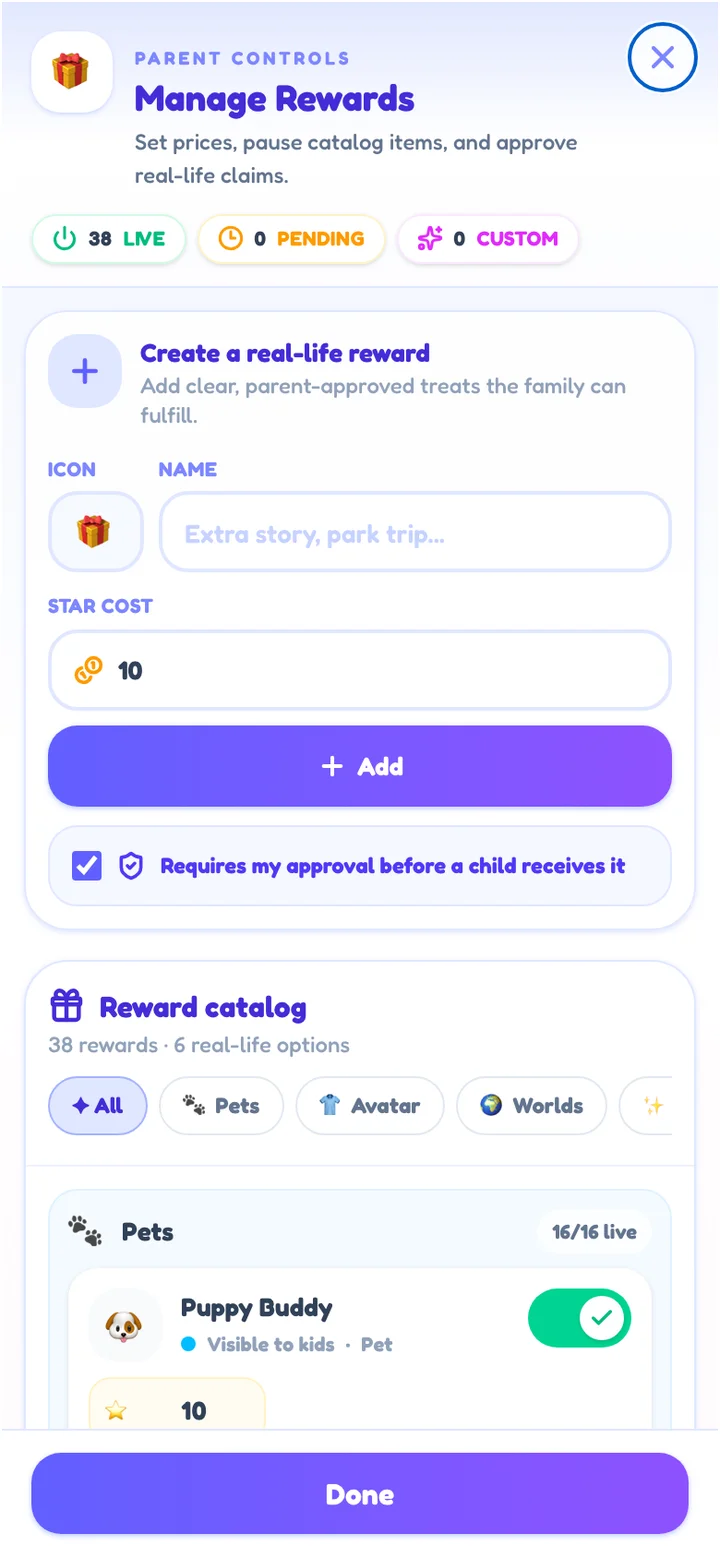
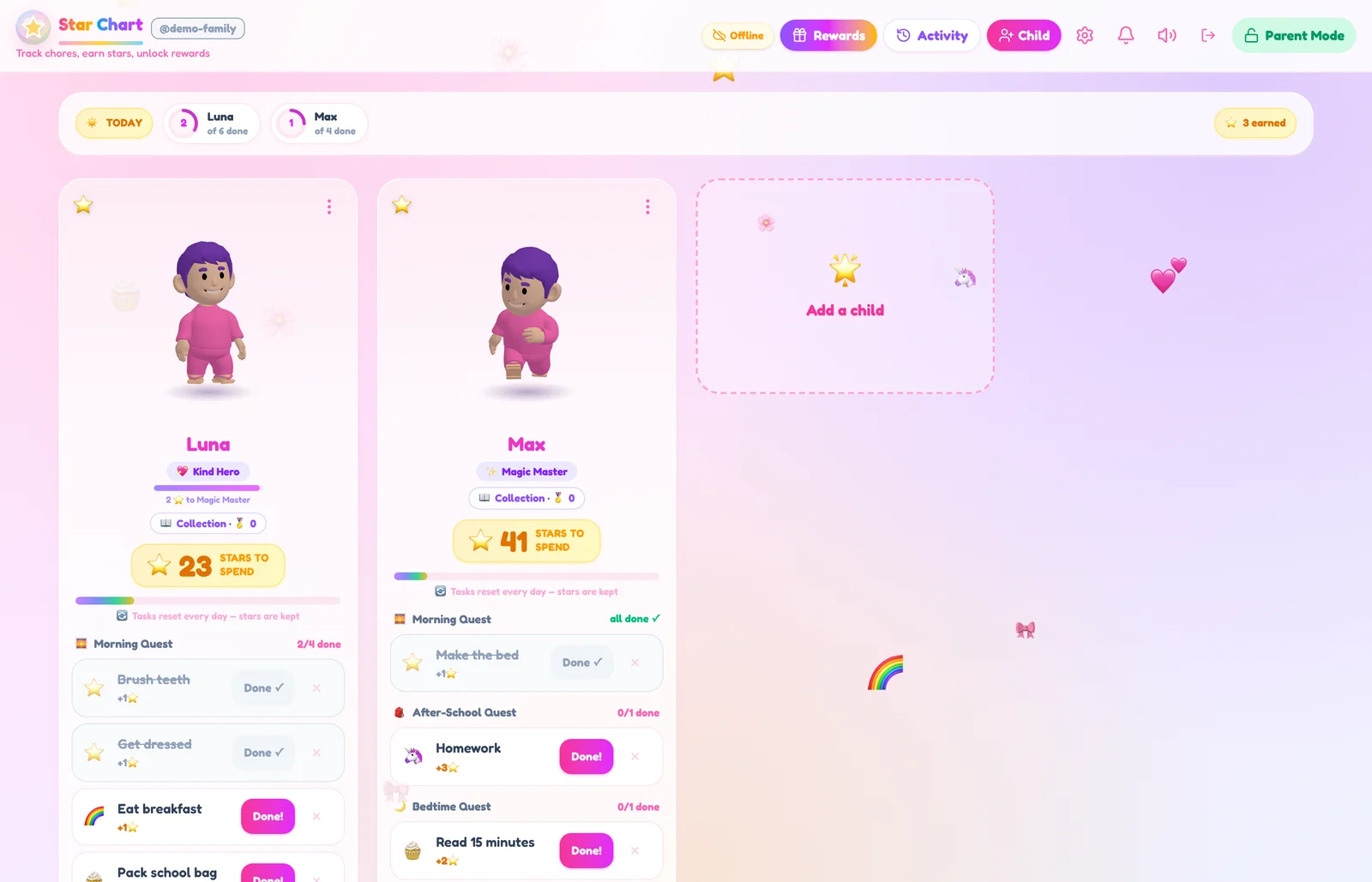
The whole family on one dashboard, each child with their own quests, stars and buddy pet.
Editing tasks, prices, approvals and settings all sit behind a parent gate. Kids see the fun; you keep the controls.
Mark any task "needs a parent check". Kids send it for review and stars arrive when you approve. Perfect for "clean your room".
Badges and level titles stick forever. No streaks to lose, no leaderboards, no punishments, just progress worth celebrating.
Rename Morning, After-School or Bedtime, give a quest a new emoji, add your own or delete one, and set a bonus of up to 10 stars for finishing it. It all lives in Family settings, under Quests.
In Parent Mode, design a badge in the Sticker Book, like "Piano Pro: practice piano 10 times". Kids earn it automatically when they reach the goal, it sticks forever, and it never costs stars.
Tap the pencil on a task to change its name, icon, stars, quest or days. Auto picks an icon from the task name, or type any emoji you like.
Plain-language summaries of child-development research on play, habits and motivation, with the researchers and sources named.
Free play is linked to better self-directed thinking, but most of the evidence is correlational. What's solid, what's argued, and how to protect playtime in a busy week.
Research by Michael Yogman, Yuko Munakata, and Peter Gray
Read the article → Habit researchThe 21-day rule is folklore. Adult habit studies point to two to five months, with wide variation, and one missed day isn’t a reset. Here’s what that means for kids.
Research by Phillippa Lally, Wendy Wood, and Jodi Mindell
Read the article → Motivation researchSelf-determination research on choices, challenge and connection, what two school experiments found about rewards for boring tasks, and phrases to try at home.
Research by Richard M. Ryan, Wendy Grolnick, Mireille Joussemet, and Felix Warneken
Read the article →Practical, no-nonsense answers to the questions every parent asks, and how to put them into practice with Star Chart.
Ideas, examples and the setup that makes a chore chart stick past week one.
Read the guideThe psychology behind star charts for kids, and the five rules that make or break them.
Read the guideA full chore list by age, plus how many stars each task should be worth.
Read the guideWhy reminders backfire, and the system that puts kids in charge of their own list.
Read the guideEnd the before-school scramble with a 5-step morning quest kids run themselves.
Read the guideA calm, predictable wind-down checklist that ends the nightly negotiations.
Read the guideSingle-step tasks, instant rewards, zero punishment: structure that fits ADHD brains.
Read the guideHow to trade chores for screen time fairly, with parent approval built in.
Read the guideAllowance vs. reward systems: what research and real families say, and a middle path.
Read the guideRun one system for all your kids: fair, rivalry-free, and age-adjusted.
Read the guideA weekly star chart for the fridge: download, print, start tonight. No email required.
Get the printableCompare six apps by published costs, free-plan limits, rewards and family fit.
Read the comparisonMorning, after-school and bedtime on rails. The day runs itself, not on reminders.
Read the guideThe best chore chart is the one your child wants to check every day. Paper charts lose their magic within a week or two; a digital chore chart keeps motivation alive because every completed task pays out instantly and the list resets itself each morning. Learn more
Yes. When rewards are immediate, goals are specific, and nothing is ever taken away as punishment. Those three rules are the entire design of Star Chart's star economy. Learn more
Preschoolers can pick up toys and brush teeth; 6–8s can make beds and pack school bags; 9–12s can handle laundry and real cooking help. Star Chart's templates give you an age-sensible starting list you can tweak per child. Learn more
Move the reminding out of your mouth and into a system kids check themselves. When today's quests live in an app with instant star rewards, kids respond to the system, not to a parent's fifth reminder. Learn more
Keep it to 4–6 concrete steps in a fixed order, and reward finishing the whole routine, not just single tasks. Star Chart's Morning Quest template sets this up in one tap, with a bonus for completing everything. Learn more
A predictable, rewarded wind-down removes the nightly negotiation. Kids race the checklist instead of arguing with you. The Bedtime Quest template covers pajamas, teeth and tidy-up out of the box. Learn more
Star Chart matches what ADHD experts recommend: one-step tasks, instant visible rewards, celebration on every win, and no streaks or punishments to lose. Kids respond to the structure, and parents shift from correcting to cheering. Learn more
Yes. Create a custom reward like "30 minutes of tablet time", set its star price, and require parent approval. Kids request it with earned stars; you always get the final say. Learn more
Cash-for-chores works for some families but can turn helping into a transaction. A star economy rewards contribution with experiences and privileges, and pocket money can still be one of the rewards if you want it to be. Learn more
Each child gets their own avatar, task list and star bank on one shared family dashboard. No leaderboards, so progress stays personal and sibling rivalry stays out of it. Learn more
Yes. We made a printable weekly star chart (PDF) with morning, after-school and bedtime routines pre-structured. Print it, stick it on the fridge, and switch to the app when you're tired of redrawing circles. No email required. Learn more
Star Chart is free with no premium tier, subscription or in-app purchases. Other chore apps offer different free plans, trials and paid features. Compare their ongoing limits, reward types and parent controls to find a fit for your family. Our comparison discloses its sources and research date. Learn more
Completely free: every feature, every child, every device. No subscription, no ads, no in-app purchases aimed at kids, no premium tier. Learn more
Create a username and parent passcode; no email or payment required. Family data is saved on your device and cloud-synced. An internet connection is needed to open the app from scratch. Get started
Set up your family in under a minute — free, no email, no ads. The first "I already did my chores!" is closer than you think.
Start Your Family's Adventure, Free